

Make your own checkerboard background
Checkerboard backgrounds are often used to help us detect transparent parts of a picture.
The convention is that the checkerboard is in the background, so any place where the checkerboard shows through in an image, that zone is actually transparent (more or less so). This is also called a « transparency grid » in some image editors.
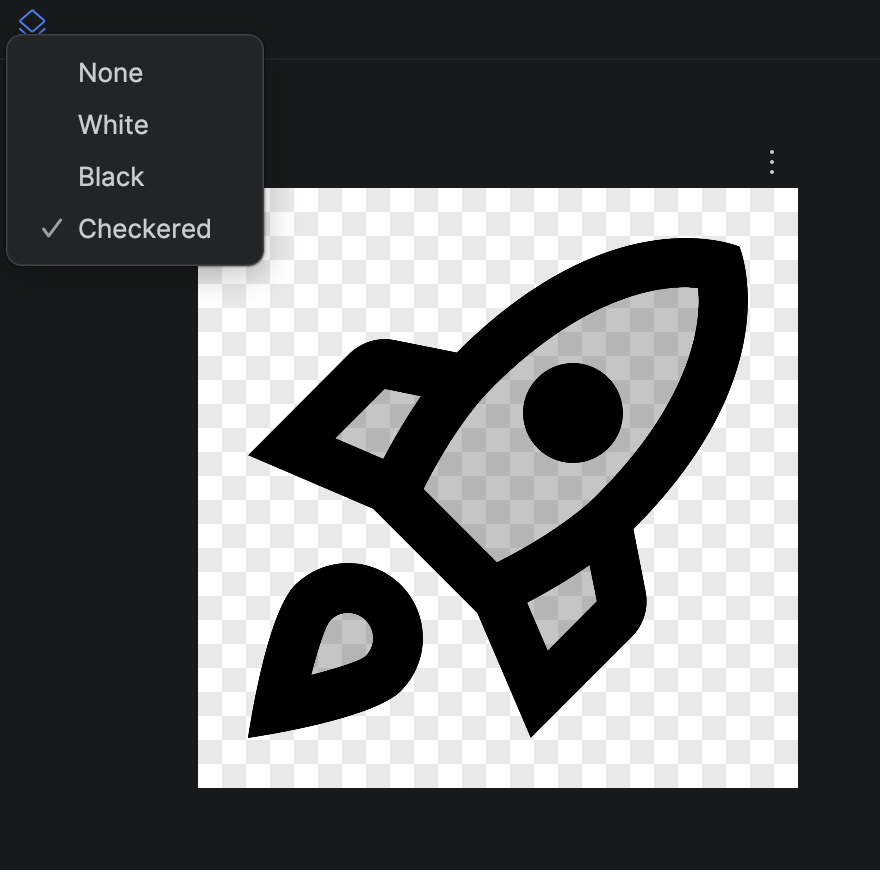
For Android developers, this is useful especially in Compose Previews, when you need to make it obvious that an element is transparent, and not just the same color as the background.
It can also be used for its own sake, as a decorative pattern.
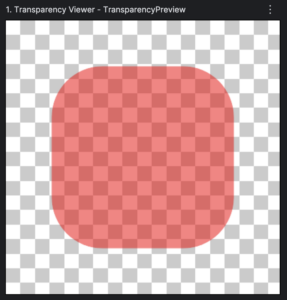
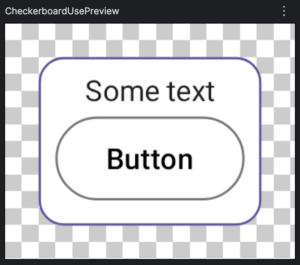
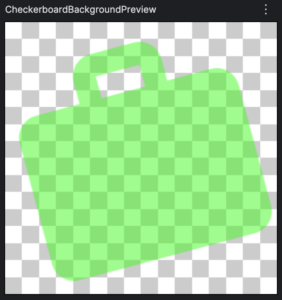
Here are a few random examples:

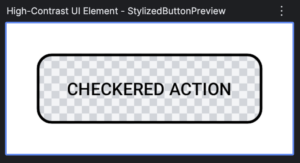
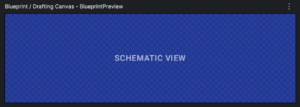

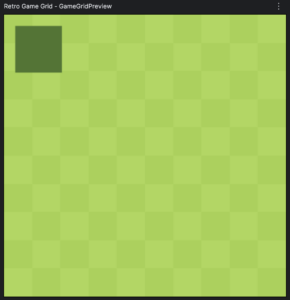
Working through the details
This checkerboard modifier is a great example of how to use AGSL (Android Graphics Shading Language) for high-performance UI effects while maintaining compatibility with older Android versions.
| Key points | Comment |
| Modifier.drawWithCache | Use caching in the Canvas |
| Android version test | RuntimeShader only available in recent versions |
| Shader code | Define the shader code as a String |
| Shader Brush | wrap the shader for easy use |
| Uniforms | Wrap variables to pass them efficiently to the GPU (Float or Color) |
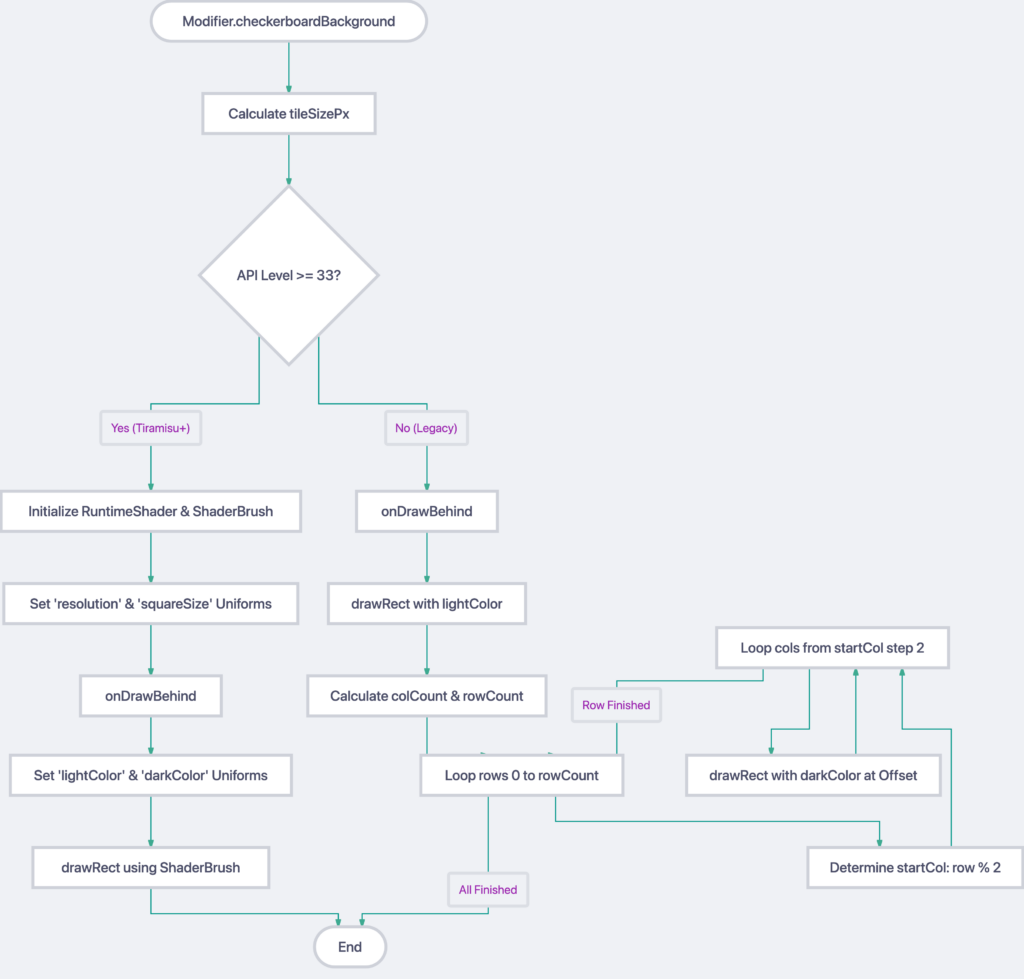
Here is a breakdown of how it works:
Modifier.drawWithCache
We use drawWithCache instead of drawBehind because creating a RuntimeShader or calculating pixel values is expensive. drawWithCache allows us to initialize the shader and calculate sizes only once and « cache » them. The code inside only re-runs if the size of the Composable changes or if the state it reads changes.
The Android 13+ Branch (AGSL)
On Android 13 (API 33) and above, we can use RuntimeShader.
RuntimeShader(using the String called CHECKERBOARD_SHADER): This compiles the AGSL code (which is very similar to GLSL) to run directly on the GPU.
ShaderBrush(shader): Compose doesn’t draw shaders directly; it wraps them in a Brush so you can use them in functions like drawRect or drawCircle.
Uniforms: These are variables passed from your Kotlin code to the GPU program.
- setFloatUniform: Passes simple numbers (like resolution or tile size).
- setColorUniform: Passes color data.
Note on layout(color): In the shader string, we mark color uniforms with layout(color). This tells Android to automatically handle « Color Space Conversion. » Since Android can run on HDR screens or use different color gamuts (sRGB, P3), this ensures the colors you pick in Kotlin look exactly the same when rendered by the shader.
Shader Code (CHECKERBOARD_SHADER)
To start with the most interesting part: the shader runs a small program for every single pixel of the Box:
- fragCoord: The coordinates of the current pixel.
- floor(fragCoord / squareSize): This groups pixels into « cells » based on your tileSize.
- mod(cell.x + cell.y, 2.0): This is the classic checkerboard math. By adding the X and Y cell indices and taking the remainder of 2, you get a 0 or 1 pattern that alternates like a chess board.
- The GPU then simply picks lightColor or darkColor based on that result. This is incredibly fast because it’s massively parallelized.
The Fallback Branch (Android 12 and below)
Since RuntimeShader doesn’t exist on older versions of the Android API, we use standard CPU-based drawing:
- We draw a solid lightColor background first.
- We use a nested for loop to calculate the positions of the « dark » squares.
- Performance Optimization: Note the step 2 in the loop. Instead of checking every square and deciding whether to draw, we skip every other square to reduce the number of drawRect calls by 50%.
Summary of Performance
- AGSL path: The CPU does almost nothing. It sends 4 numbers to the GPU, and the GPU draws the whole pattern in one single pass.
- Legacy path: The CPU has to calculate coordinates and issue many individual draw commands. For very small tile sizes on a large screen, the legacy path can be significantly heavier than the shader path.
Full code
@RequiresApi(Build.VERSION_CODES.TIRAMISU)
@Language("AGSL")
private const val CHECKERBOARD_SHADER = """
uniform float2 resolution;
uniform float squareSize;
// Added layout(color) to the color uniforms.
// This is required when using RuntimeShader.setColorUniform() and ensures
// that the colors are correctly interpreted and color-space converted.
layout(color) uniform half4 lightColor;
layout(color) uniform half4 darkColor;

half4 main(float2 fragCoord) {
    float2 cell = floor(fragCoord / squareSize);
    float checker = mod(cell.x + cell.y, 2.0);
    return checker < 1.0 ? lightColor : darkColor;
}
"""

/**
 * Adds a checkerboard pattern behind the content.
 * Optimized to use AGSL on Android 13+ and an efficient loop on older versions.
 */
fun Modifier.checkerboardBackground(
    tileSize: Dp = 8.dp,
    darkColor: Color = Color.hsl(0f, 0f, 0.8f),
    lightColor: Color = Color.hsl(1f, 1f, 1f)
): Modifier = this.drawWithCache {
    val tileSizePx = tileSize.toPx()

    if (Build.VERSION.SDK_INT >= Build.VERSION_CODES.TIRAMISU) {
        val shader = RuntimeShader(CHECKERBOARD_SHADER)
        val shaderBrush = ShaderBrush(shader)

        // Setting invariant uniforms outside onDrawBehind for better performance
        shader.setFloatUniform("resolution", size.width, size.height)
        shader.setFloatUniform("squareSize", tileSizePx)

        onDrawBehind {
            shader.setColorUniform(
                "lightColor",
                android.graphics.Color.valueOf(lightColor.red, lightColor.green, lightColor.blue, lightColor.alpha)
            )
            shader.setColorUniform(
                "darkColor",
                android.graphics.Color.valueOf(darkColor.red, darkColor.green, darkColor.blue, darkColor.alpha)
            )
            drawRect(shaderBrush)
        }
    } else {
        onDrawBehind {
            // Draw background light color first
            drawRect(color = lightColor)

            val width = size.width
            val height = size.height
            val colCount = (width / tileSizePx).toInt()
            val rowCount = (height / tileSizePx).toInt()

            // Only draw the dark tiles, skipping every other tile for performance
            for (row in 0..rowCount) {
                val startCol = row % 2
                for (col in startCol..colCount step 2) {
                    drawRect(
                        color = darkColor,
                        topLeft = Offset(col * tileSizePx, row * tileSizePx),
                        size = Size(tileSizePx, tileSizePx)
                    )
                }
            }
        }
    }
}

@Preview
@Composable
private fun CheckerBoardBackgroundPreview() {
    Surface {
        Image(
            painter = painterResource(R.drawable.ic_work_24),
            colorFilter =  tint(color = Color.Green.copy(alpha = 0.5f), blendMode = BlendMode.SrcIn),
            contentDescription = null,
            modifier = Modifier
                .size(128.dp)
                .checkerboardBackground(tileSize = 5.dp)
        )
    }
}